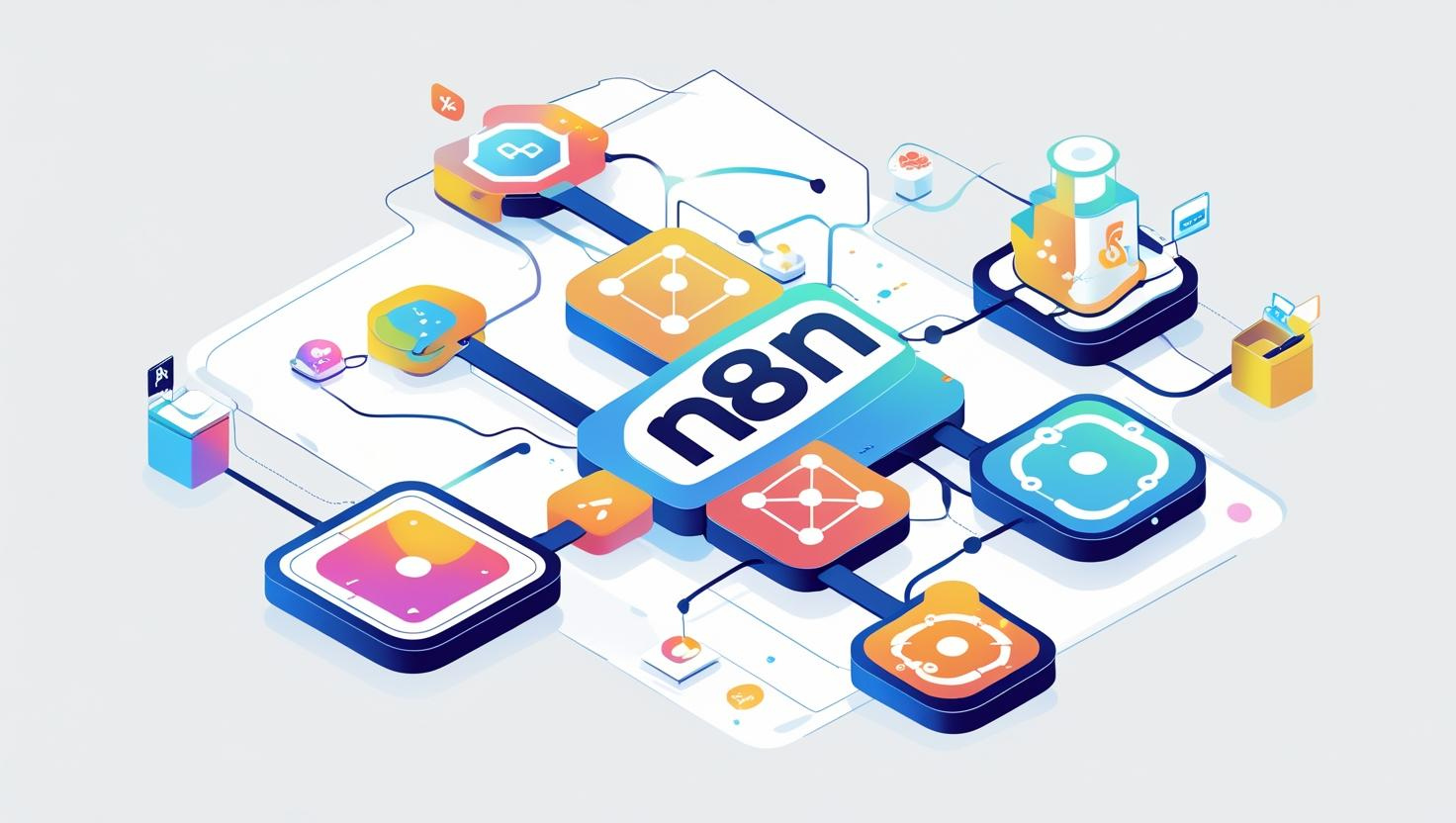
What is n8n? Your Gateway to Powerful Workflow Automation
n8n is a powerful, open-source workflow automation tool that connects your apps and services to create seamless automated processes. Think of it as a visual programming language for business automation - no coding required!
Visual Workflow Builder
Drag-and-drop interface to create complex automations
400+ Integrations
Connect with popular apps and services seamlessly
Self-Hosted Option
Deploy on your own infrastructure for maximum control
Enterprise Ready
Advanced features for large-scale deployments
Interactive Workflow Walkthrough: Building Your First Automation
Let's walk through a real n8n workflow step-by-step. This interactive guide will show you exactly how to build an automation that captures leads and automatically nurtures them.
Lead Capture & Nurturing Workflow
Active- 1
Webhook Trigger
Receives data from external sources
This node acts as the starting point of your workflow. It can receive data from webhooks, scheduled triggers, or manual execution.
- 2
Data Processing
Transforms and filters data
Here you can transform data, apply filters, or add conditional logic to determine the flow direction.
- 3
Action Node
Performs specific actions
This node performs the actual automation action - sending emails, updating databases, posting to social media, etc.
- 4
Response
Returns results or continues flow
The final node that either returns a response or continues to the next workflow step.
Getting Started with n8n: Your First Steps
Quick Start Guide
- Choose Your Deployment — Start with n8n Cloud (free tier) or deploy self-hosted for more control
- Create Your First Workflow — Use the visual editor to connect your first two apps
- Test and Deploy — Test your workflow and activate it for production use
Free Resources
- n8n Documentation
- Community Forum
- Video Tutorials
Professional Support
- Custom Development
- Consulting Services
- 24/7 Support
Our n8n Services
Custom n8n Workflow Development
We build tailored automation workflows that perfectly fit your business needs
- Custom node development
- API integrations
- Error handling
- Performance optimization
n8n Consulting & Strategy
Expert guidance on automation strategy and workflow design
- Automation audit
- Workflow optimization
- Best practices
- Team training
n8n Deployment & Maintenance
Professional deployment, monitoring, and ongoing maintenance services
- Self-hosted setup
- Cloud deployment
- Monitoring
- 24/7 support
Why Choose Dynotree?
- Projects Completed500+
- Client Satisfaction98%
- Support Response<2 hours